Xin Invoice 3.0 - Latest Release
Xin Invoice software 3.0 is the latest launched release and this invoice software comes with more features and user friendly. After Xin Invoice software 2.0 goes to market about a year, we have received lots of feedback and new features request. Xin Invoice software 2.0 about to gather most of the request but Xin Invoice software 3.0 provide more features.
What's new in Xin Invoice 3.0
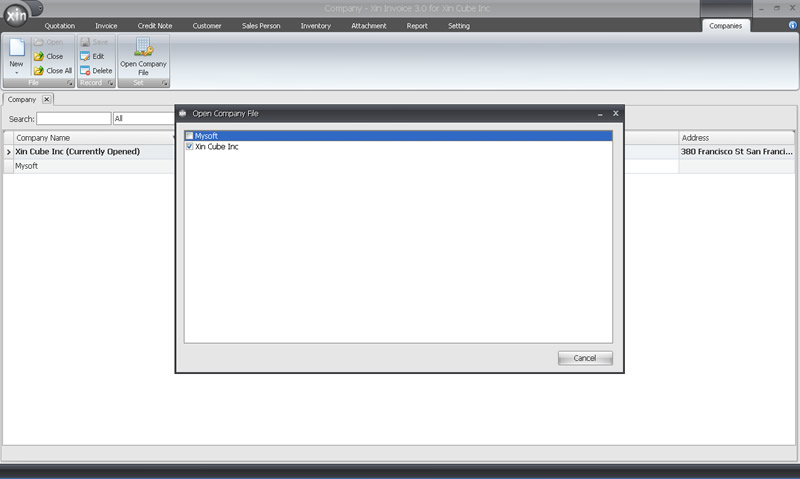
We have added quite a numbers of features in this invoice software, one of new feature is Xin Invoice software 3.0 support multiple companies which not supported in previous version. If you run multiple company at the same time, this new version of invoice software should able to gather your needs.
This new version of invoice software comes with new Credit Note module. User can use this to generate credit note and send to customer by Fax or Email using this invoice software.
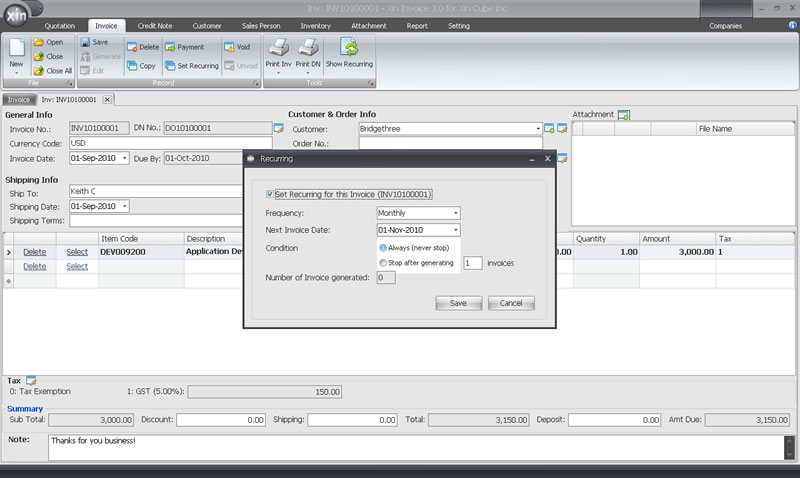
To help the user that need to generate recurring invoice in certain period, Xin Invoice software 3.0 add in new recurring invoice feature.
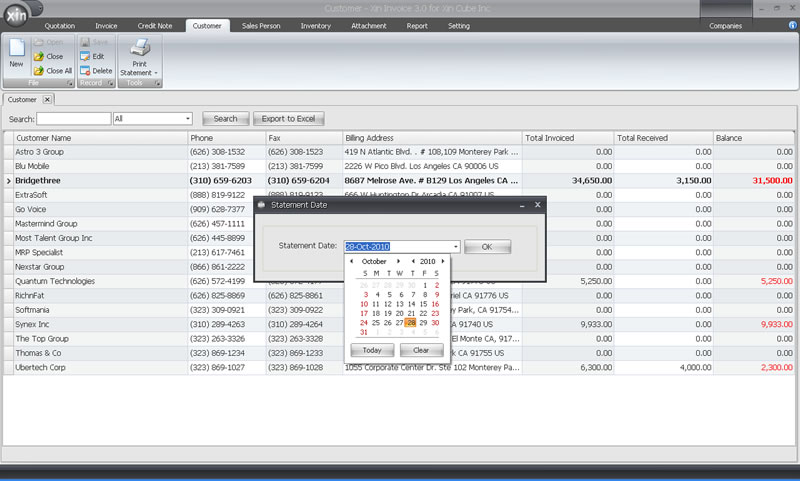
In this new version of invoice software, we have add in customer statement module to let user to generate customer statement with the selected template and selected period.
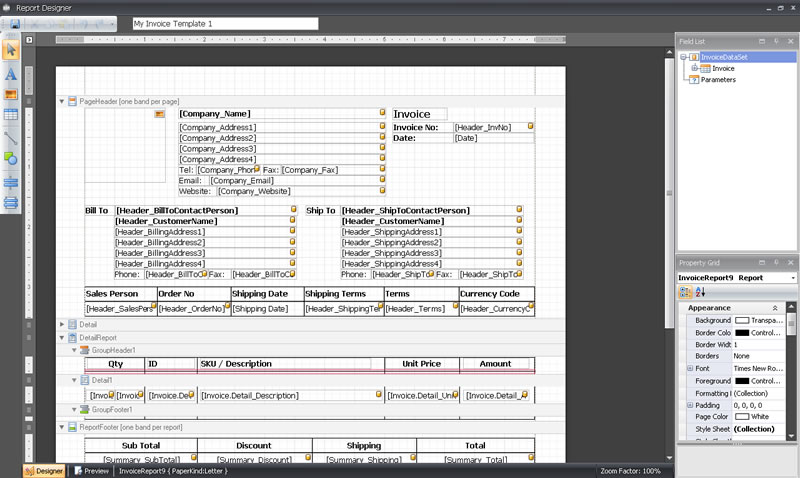
Xin Invoice software 3.0 allowed fully customization on the template with the user friendly invoice template editor and other template editor. This mean user can change the invoice template to the language that user prefer.
Others than simple data filtering, this new version of invoice software also comes with advance filter feature to help user to have more efficient data filtering. This version of invoice software also add new export to excel features that allow user to export data for other purposes.
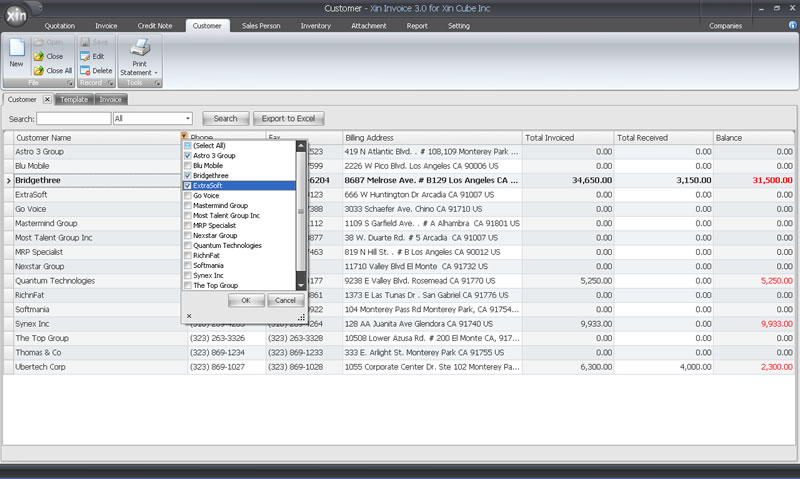
With this Xin Invoice software 3.0 version also, user can fax or email document to customer directly by using this invoice software. User will need to set up fax and email account properly first before that can start faxing and sending email.
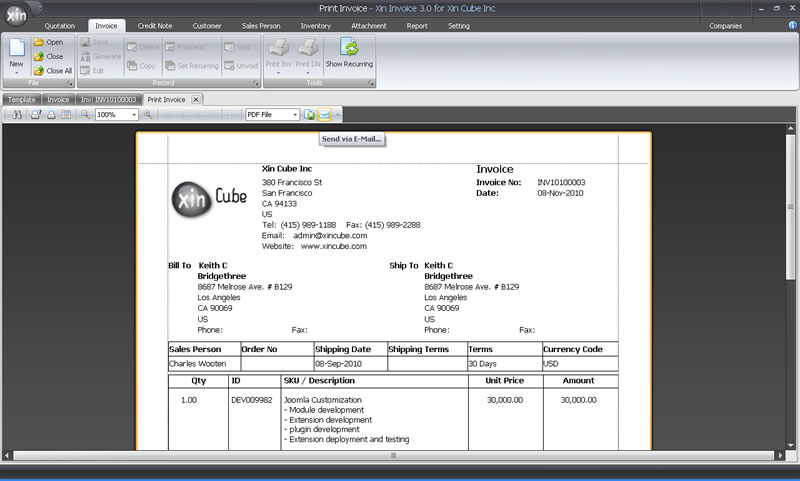
For security purposes, Xin Invoice software 3.0 comes with password protection feature. User can set password to protect confidential data.
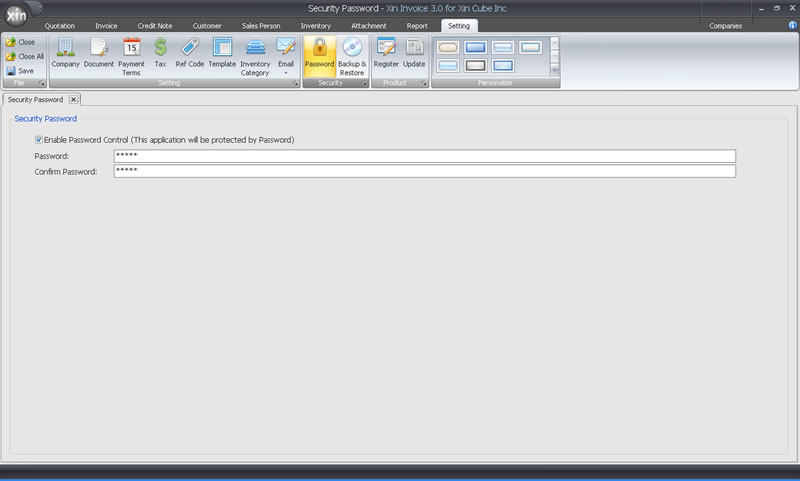
Xin Invoice software 3.0 also designed to be user friendly and allowed user to choose 7 software skin according to their preference.
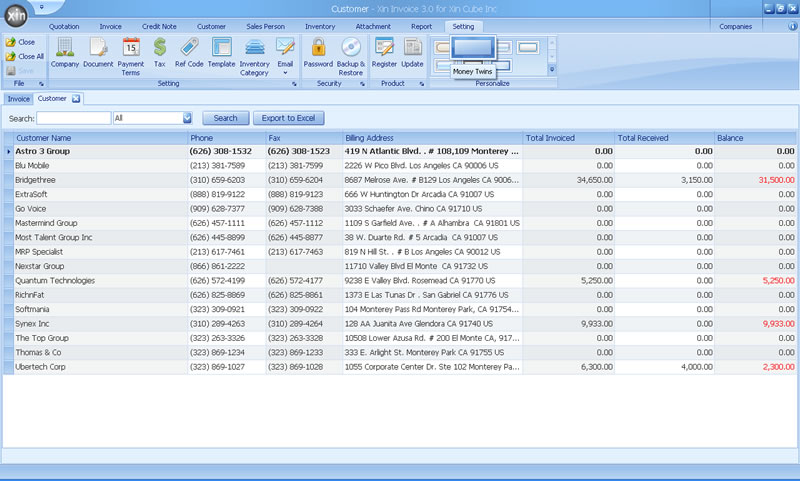
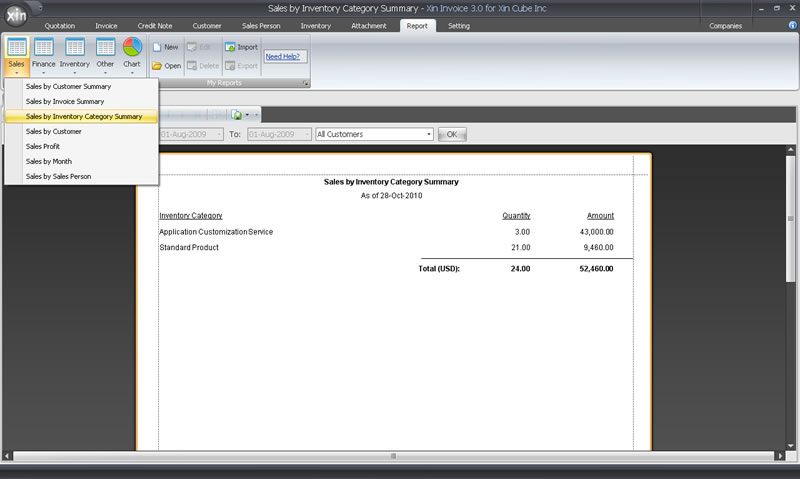
Xin Invoice software 3.0 comes with many new reports, Sales Report, Finance Report, Inventory Report and others. User even request to customize report.
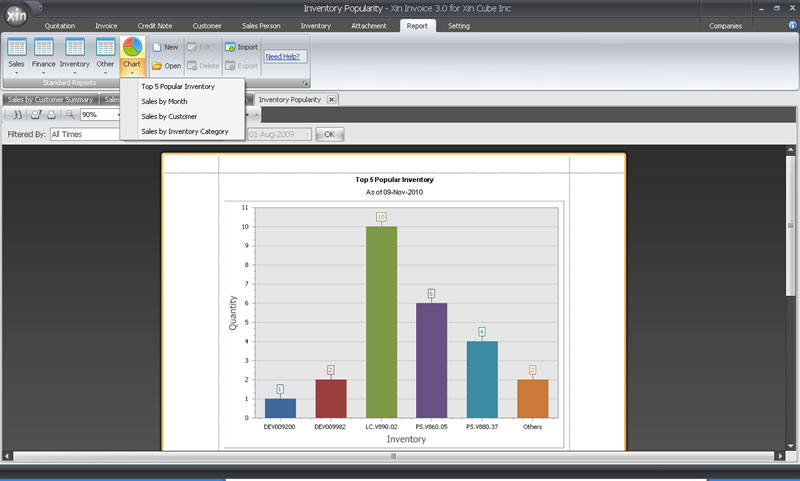
This new version also comes with Sales Chart to help user to have visual
understanding on the sales.
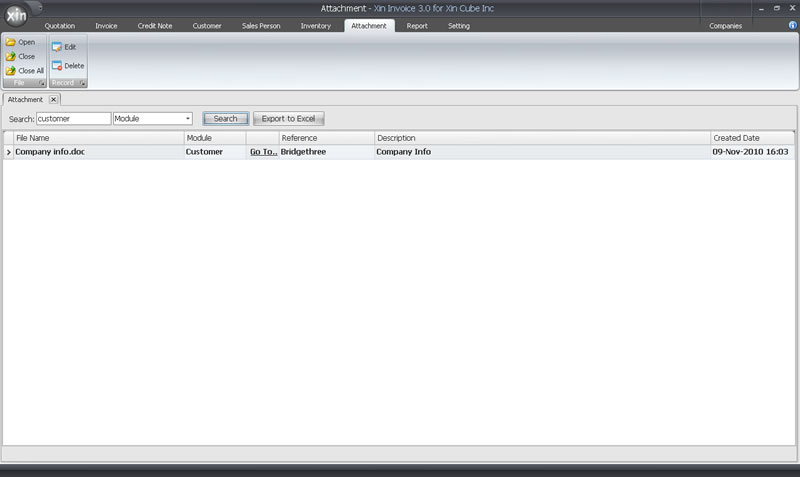
A new module call Attachment also included in this version of Xin Invoice software. User
can attach document to Customer module, invoice module and others module and can
retrieve or check back using the filter function in Attachment module.
Existing features for Xin Invoice software
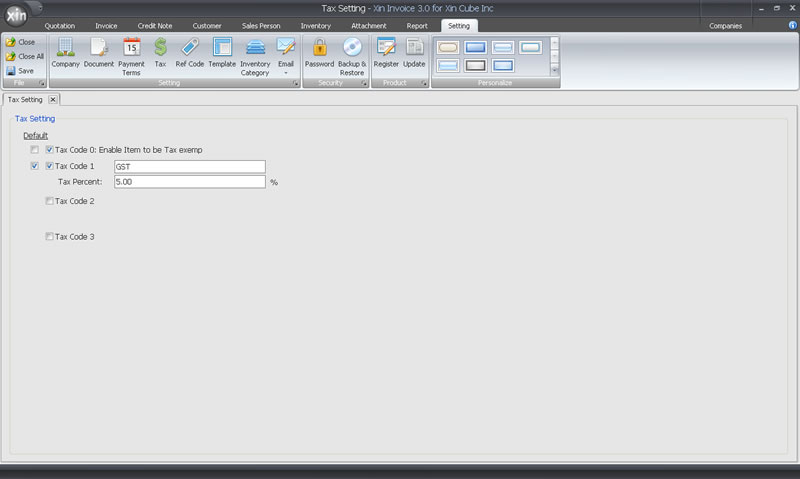
Xin Invoice support multiple tax. User can set the tax in setting and use in invoice, quotation, credit notes.
User can create new invoice by copy invoice existing invoice or Import from quotation. This will be very handy to user because no need to re key in the same information twice.
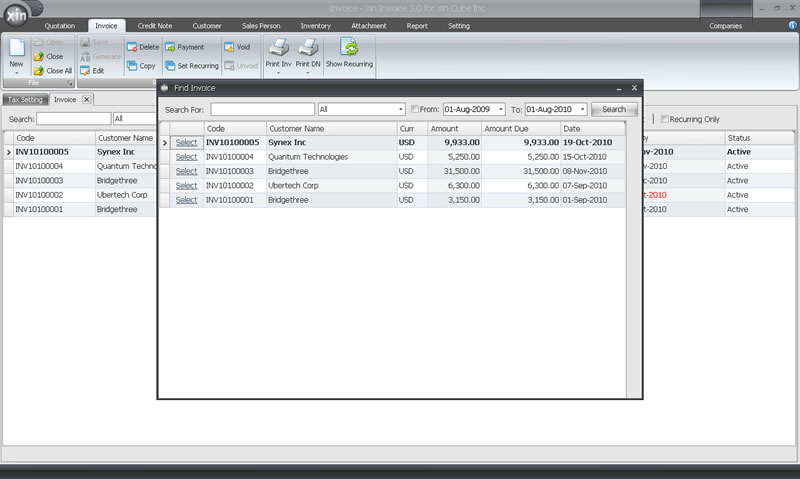
Xin Invoice software provide payment receive feature to allowed user to receive partially payment or full payment. Together will payment receive report, it help user to keep track customer payment on time.
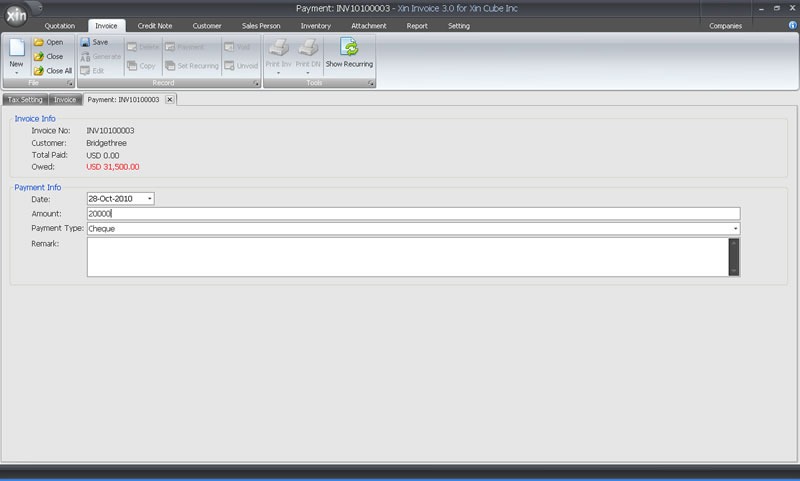
Xin Invoice software comes with customer database to help user to maintain up to date customer information. This information will be used to generate invoice, quotation, customer statement.
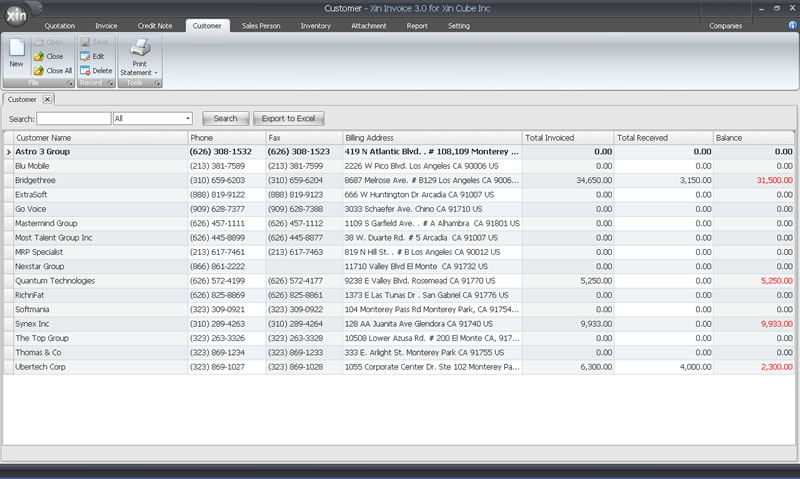
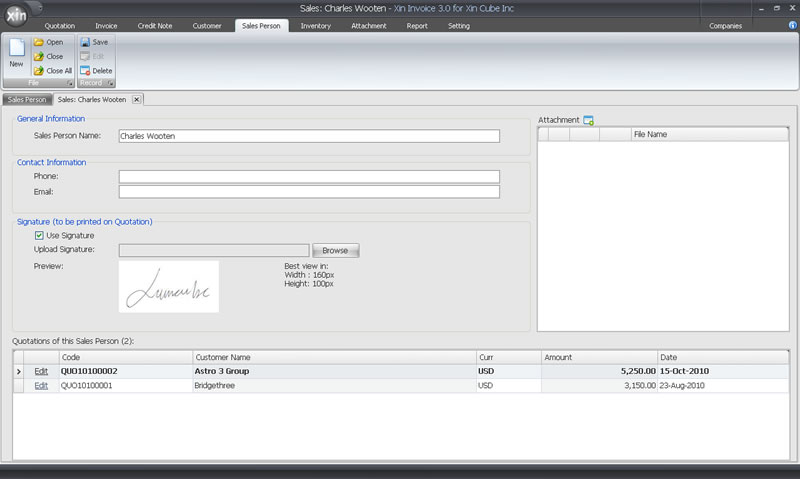
Xin Invoice software provide sales person module and allowed user to upload sales person signature. Sales person information will be used in quotation and invoice to keep track of sales person performanace. The signature can be used in quotation.
Company information can be easily setup in Xin Invoice. User can easily upload company logo to generate more professional quotation, invoice and others ducument.
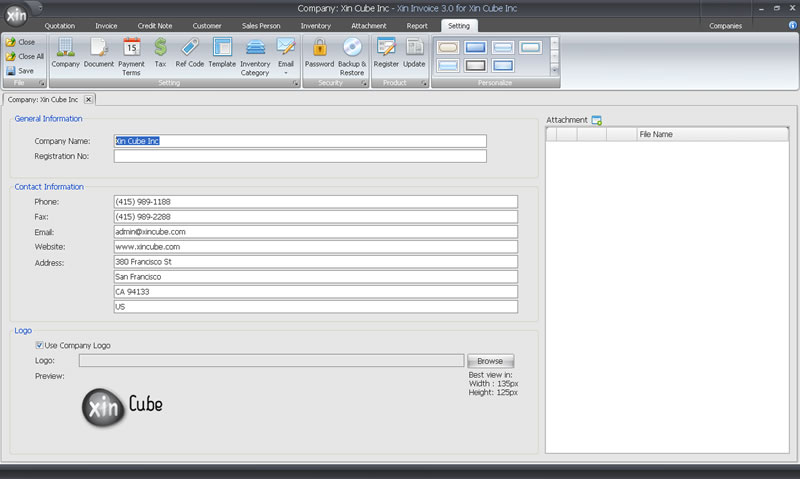
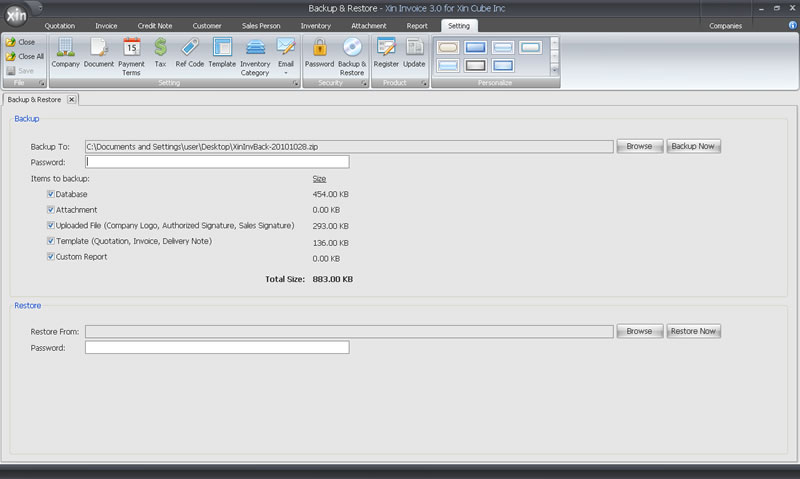
User can easily backup and restore xin invoice database with or without password protect. Regular backup and place the database in secure location will help user to secure the existing data.
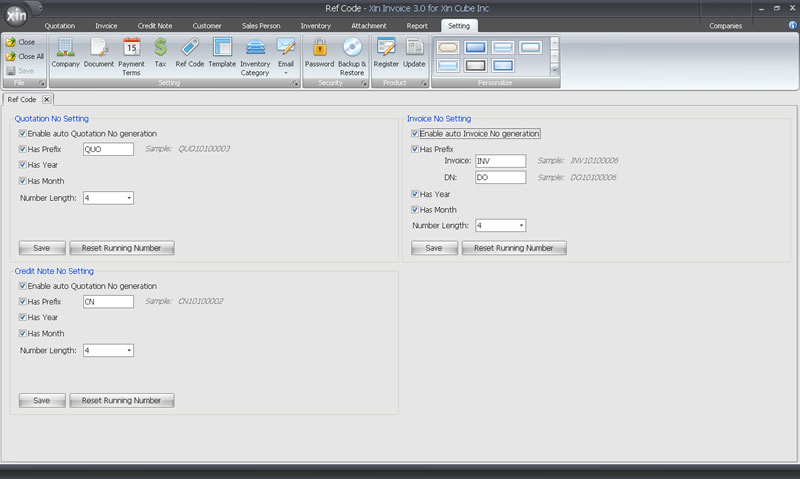
Xin Invoice software also provide flexibility for user to setup reference code for Invoice, quotation, credit note and delivery note.
Free invoice software trial!
Click on the button to Xin Invoice software download page.
billing software
You can download Xin Invoice software 2.0 free version (less features) or you can also download Xin Invoice 3.0, 30 days trial version. After 30 days trial, if you wish to continue to use Xin Invoice 3.0, you can purchase the registration key to unlock the invoicing software.
Buy Xin Invoice software!
Click on the button to Xin Invoice software purchase page.
billing software
You can purchase Xin Invoice 2.0 paid version or Xin Invoice 3.0 registration key to unlock this invoicing software and use it permanently. After you purchase the key, our system will send the key to you through email.